

Most people who buy a standing desk never actually set it up correctly. They raise the surface to somewhere around chest height, position their monitor wherever it fits, and stand for an hour before their lower back protests. The desk itself isn't the problem. The setup is.
Poor ergonomic configuration at a standing desk can cause as much, if not more, strain than sitting all day. Research published in 2024 found that two in three workers experience physical pain or discomfort linked to their workstation setup, and the average employee took 14 days off work as a result. The irony is that many of those workers are standing at the wrong height, with their screens in the wrong position, wondering why the expensive desk isn't helping.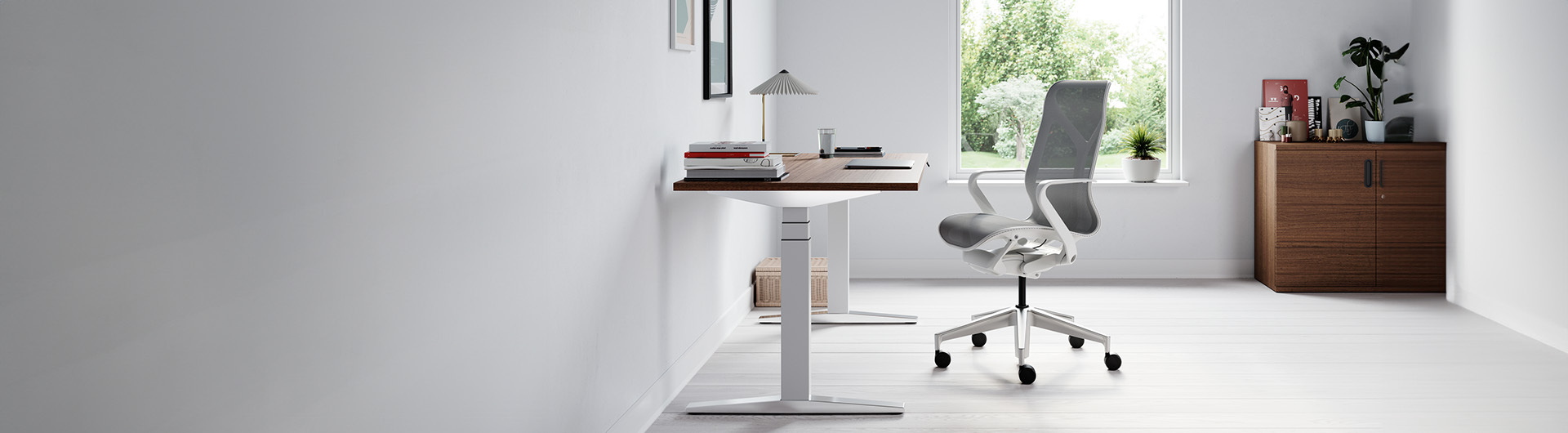
This guide covers exactly how to configure your standing desk: height, monitor placement, posture, so you get the health and productivity benefits you invested in. If you haven't chosen a desk yet, the Ergonest standing desk collection is a good place to start before working through these steps.
Why the Right Height Is Non-Negotiable
The single most important ergonomic variable on a standing desk is height. Get it wrong and you've turned a health investment into a source of neck tension or shoulder pain. The rule is straightforward: your standing desk should allow your elbows to rest at a 90-degree angle with your forearms parallel to the floor when you're in your natural standing position. The surface should meet your elbows — not the other way around.
For most adults in the UK, this means a desk height somewhere between 100cm and 115cm, depending on your stature and the shoes you typically wear. Heel height matters more than most people realise — factor in an extra 2–4cm if you work in shoes rather than socks. The Health and Safety Executive's Display Screen Equipment (DSE) guidance recommends a standing working height of 110–120cm for the average adult, though the precise figure should always be calibrated to you individually.
One common mistake is setting the desk to keyboard height and treating the monitor as a separate problem to solve. They're part of the same system, and the correct height for typing is different from the correct height for reading, a detail that matters most when you're switching between document work and video calls.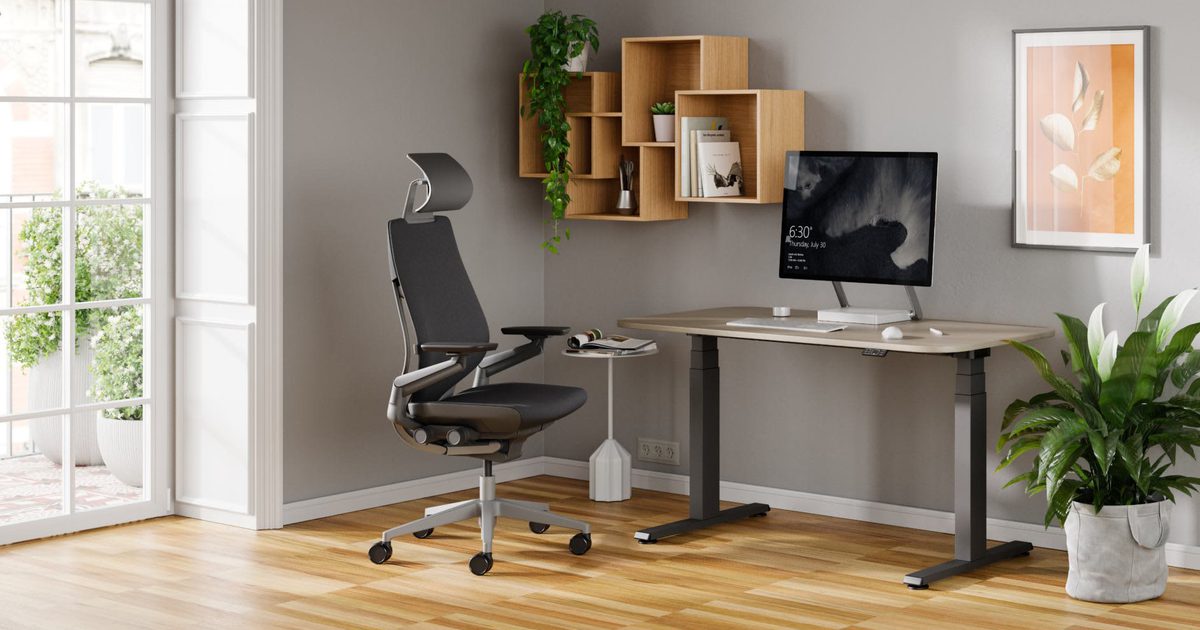
This is one reason why programmable height memory makes such a meaningful difference in practice. The Stockholm Heavy-Duty Standing Desk from FRISKA adjusts from 60cm to 125cm and stores up to four pre-set heights via Bluetooth control, so you can move between your standing position, seated position, and any other height instantly. If returning your desk to the correct position takes any effort, you'll stop doing it. Friction is the enemy of good habits.
Getting Your Monitor Position Right
Monitor positioning is the ergonomic element most often overlooked, and it is a direct cause of neck and upper back discomfort at standing desks. People who invest in a quality desk and then stack their monitor on a manufacturer stand are solving half the problem.
The HSE's DSE checklist is specific: the top of your monitor should be at roughly eye level when you're standing at your natural height. This means your gaze falls slightly downward onto the screen — an angle of around 10–15 degrees below horizontal, which is the most comfortable position for your eye muscles and keeps your neck in neutral alignment. Looking upward at a screen, even slightly, places sustained load on the posterior neck muscles and leads to tension headaches and cervical discomfort over time.
Distance matters too. The HSE recommends placing your monitor 500–700mm from your face — approximately arm's length. Closer than that and you're forcing your eyes to work harder to focus; further away and you risk leaning forward to read fine text, which collapses your posture at the waist and transfers load to your lumbar spine.
For dual-monitor setups, position your primary screen directly in front of you and the secondary screen at the same height and depth, offset to one side. Using two screens at different heights — a common improvisation — will pull your neck into chronic rotation that accumulates into real pain over weeks. A monitor arm or articulated mount is the cleanest solution, allowing you to dial in exact height, distance, and tilt and to reposition quickly each time you transition between sitting and standing.
The Posture Nobody Talks About
There is a widespread assumption that standing is inherently better for posture than sitting. It isn't — not automatically. Poor standing posture is entirely possible, and without the right conditions, it is probable.
At a correctly configured standing desk, your weight should be evenly distributed across both feet, your knees soft rather than locked, and your hips level. Your shoulders should be relaxed and down — not elevated toward your ears. Your neck should be in line with your spine, not projecting forward to meet the screen. When you check all of those in a mirror, most people find they're failing at least one of them within ten minutes of starting to stand.
Two things undermine correct standing posture faster than anything else: fatigue and hard flooring. Once your feet begin to ache, you compensate — shifting your weight to one hip, leaning on the desk surface, or hyperextending a knee. Every one of those compensations transfers stress somewhere else in the kinetic chain, typically the lower back or sacroiliac joint.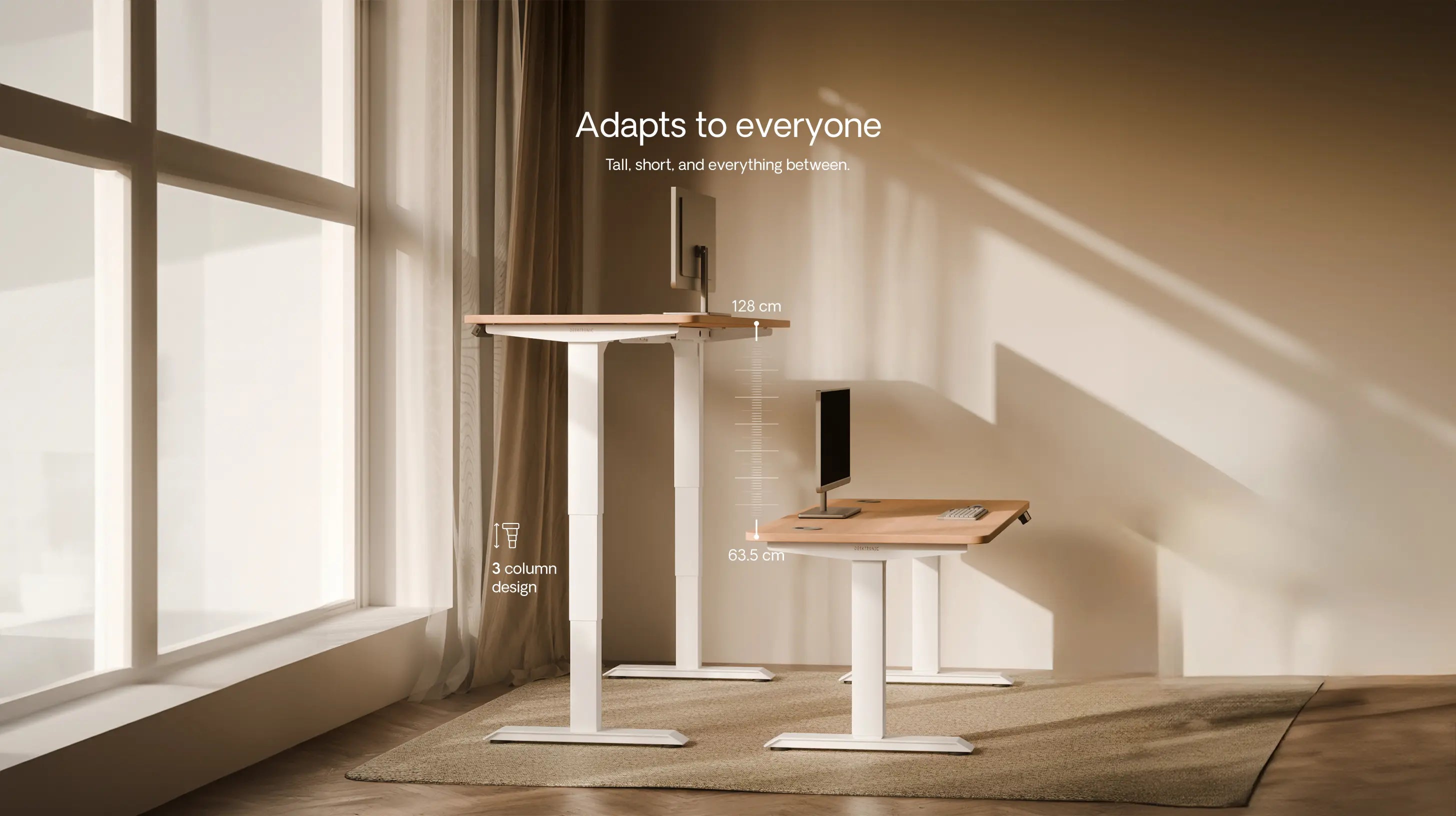
Anti-fatigue matting is the standard solution, and the evidence behind it is solid. A cushioned mat keeps your feet and calf muscles in low-level micro-activation, which maintains circulation and delays the onset of fatigue substantially. If you're working on hardwood or tiled floors without one, you will find standing uncomfortable within 20–30 minutes regardless of how well the rest of your setup is configured. An anti-fatigue mat is not a luxury add-on — it is a prerequisite for standing desk use.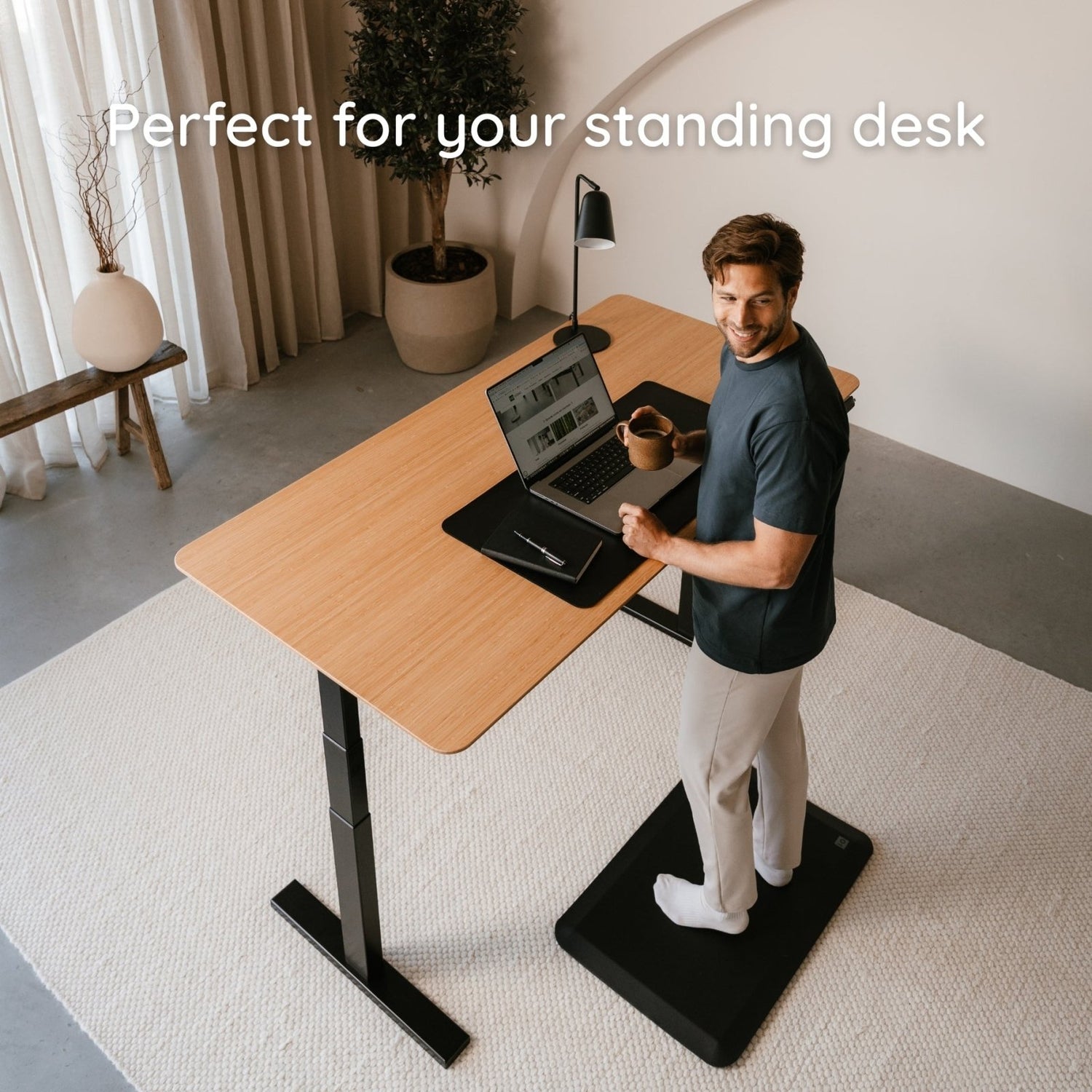
Footwear matters too. Bare feet or thin-soled shoes transmit the full impact of a hard floor to your joints. Flat-soled shoes with reasonable cushioning are ideal. Heels over 3cm tip your pelvis anteriorly and create a persistent lumbar curve that transfers directly into lower back discomfort over the course of a working day.
How Long Should You Actually Stand?
The research on this is more precise than popular advice suggests, and more nuanced than "stand as much as you can."
A six-month randomised controlled trial — the SUFHA study, published in PMC in 2024 — found that participants using sit-stand desks experienced significant reductions in neck, shoulder, and lower back discomfort compared to a control group who remained seated throughout. Critically, the benefits were associated with regular alternation between positions, not simply with accumulating more standing time. The control group showed no meaningful improvement at all.
The emerging consensus across recent systematic reviews is that 2–4 hours of standing per working day, distributed across the day in intervals of 30–60 minutes, represents the optimal target for most desk workers. UK research has found that consistent sit-stand desk users reduce their sedentary time by an average of 70–88 minutes per day and report productivity improvements of up to 46% compared to colleagues at conventional fixed-height desks.
What this means in practice is that an electric standing desk with smooth, fast height adjustment is not a cosmetic feature — it's the mechanism that makes the sit-stand routine actually happen. The Signature Rustik Dual Motor Standing Desk uses dual motors for silent, rapid adjustment and comes with built-in height memory presets, making transitions between sitting and standing genuinely effortless. 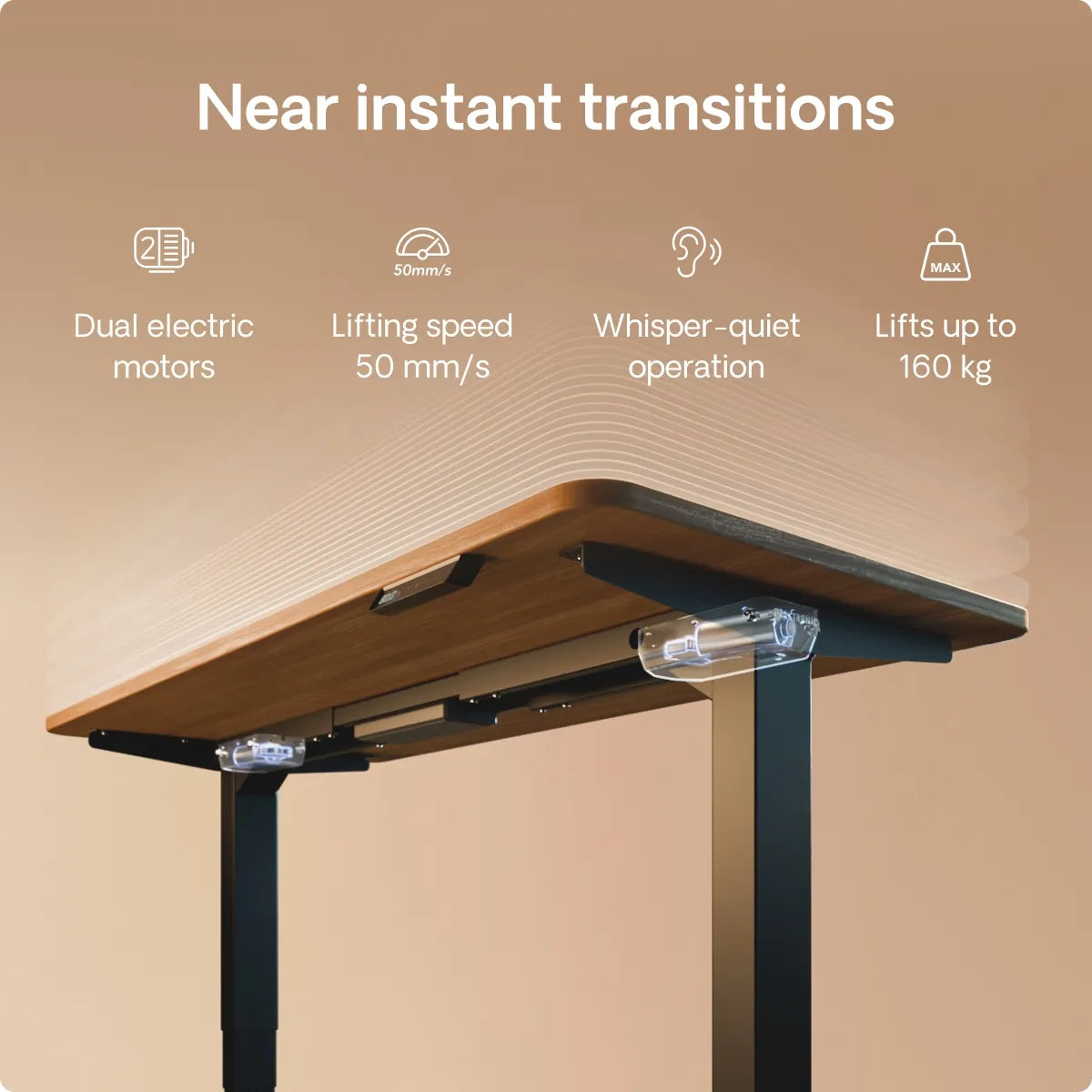
Don't Neglect the Sitting Configuration
A standing desk does not replace the need for a correctly configured seated position — it complements it. Alternating between an ergonomically correct standing posture and a poorly set up seated position simply moves the problem around rather than resolving it.
When seated, your desk should be at a height that keeps your elbows at 90 degrees with your forearms parallel to the floor — typically 70–75cm for most UK adults, consistent with the HSE-recommended standard desk height of 730mm. Your feet should be flat on the floor or on a footrest. Your lower back should be supported by your chair's lumbar system, not by perching on the front edge of the seat or leaning backward into a recline.
Your monitor position should remain constant between sitting and standing — which is exactly why a monitor arm matters. If your screen drops when you sit because it was propped on books for your standing height, you've introduced a source of neck strain into the half of your day that was supposed to be restorative.
How to Get Started: A Practical Checklist
If you're configuring your standing desk for the first time, work through these steps in sequence rather than adjusting everything at once and hoping it feels right.
Stand naturally in the shoes you'll wear at your desk. Bend your elbows to 90 degrees and measure the distance from the floor to the underside of your forearms. Set your desk to that height. Write it down or save it as a preset.
Position your monitor so the top edge of the screen aligns with your eyes. Adjust the distance to approximately 60cm — arm's length. Tilt the screen back 10–15 degrees. If you wear varifocals or reading glasses, you may need to lower the monitor slightly to avoid head tilting.
Place your keyboard directly in front of your primary monitor, with your mouse at the same level to the side. Your shoulders should be relaxed — not shrugged — when using both. If your shoulders are creeping upward, the desk surface is too high.
Add an anti-fatigue mat beneath your standing position. This is non-negotiable on hard flooring.
Set a reminder — either via your desk's built-in function or a phone timer — to change position every 30–45 minutes. Start with standing intervals of 20–30 minutes and build up over two to three weeks as your body adapts. Do not try to stand for three hours on day one.
Repeat the seated configuration check for your sitting height and lumbar support before finalising your setup. The sitting side of the equation matters as much as the standing side.
The Setup Is the Investment
A standing desk configured correctly is one of the most evidence-backed interventions you can make for long-term musculoskeletal health and daily productivity. A standing desk configured poorly is an expensive source of new complaints. The difference between the two is rarely the desk itself — it is the thirty minutes spent calibrating height, monitor position, and posture before committing to a routine.
If you're ready to make the investment, browse the full range of electric sit-stand desks in the Ergonest standing desk collection. Every desk in the range offers programmable height memory, and the FRISKA models in particular are built to the kind of tolerances that make daily sit-stand transitions something you actually look forward to rather than tolerate.